 Nikita & Anastasia’s wedding
Take photos, share them and see themselves on the big screen.
HYPEWALL / Wedding
Your wedding, through your guests’ eyes.
Selfies with friends, hugs with family, the first dance. Collect the moments the photographer may have missed and share them with the room.
- One QR code for every guest’s photos
- Approve photos before they appear
- Soft styling and the couple’s names with PRO
Nikita & Anastasia’s wedding
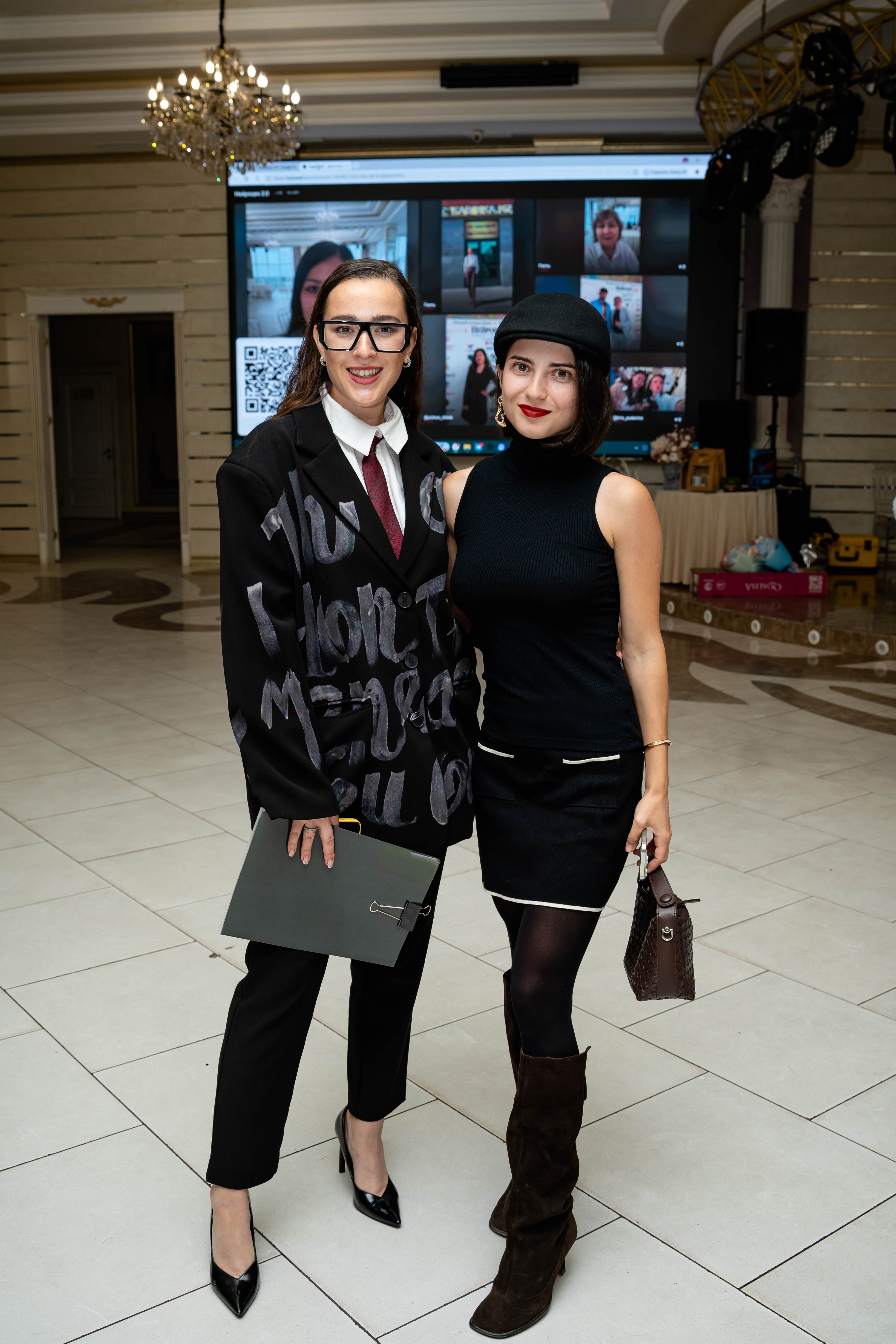
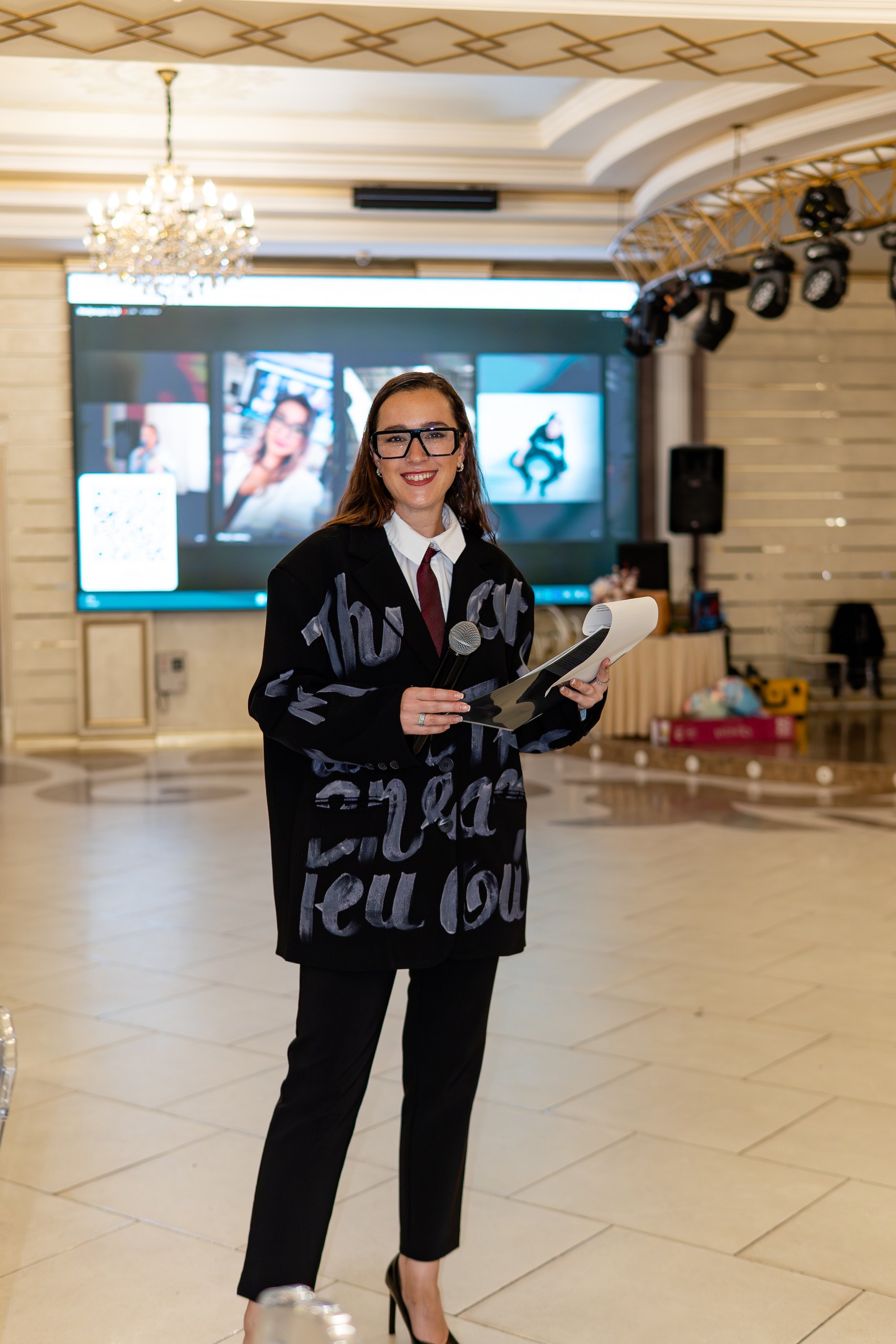
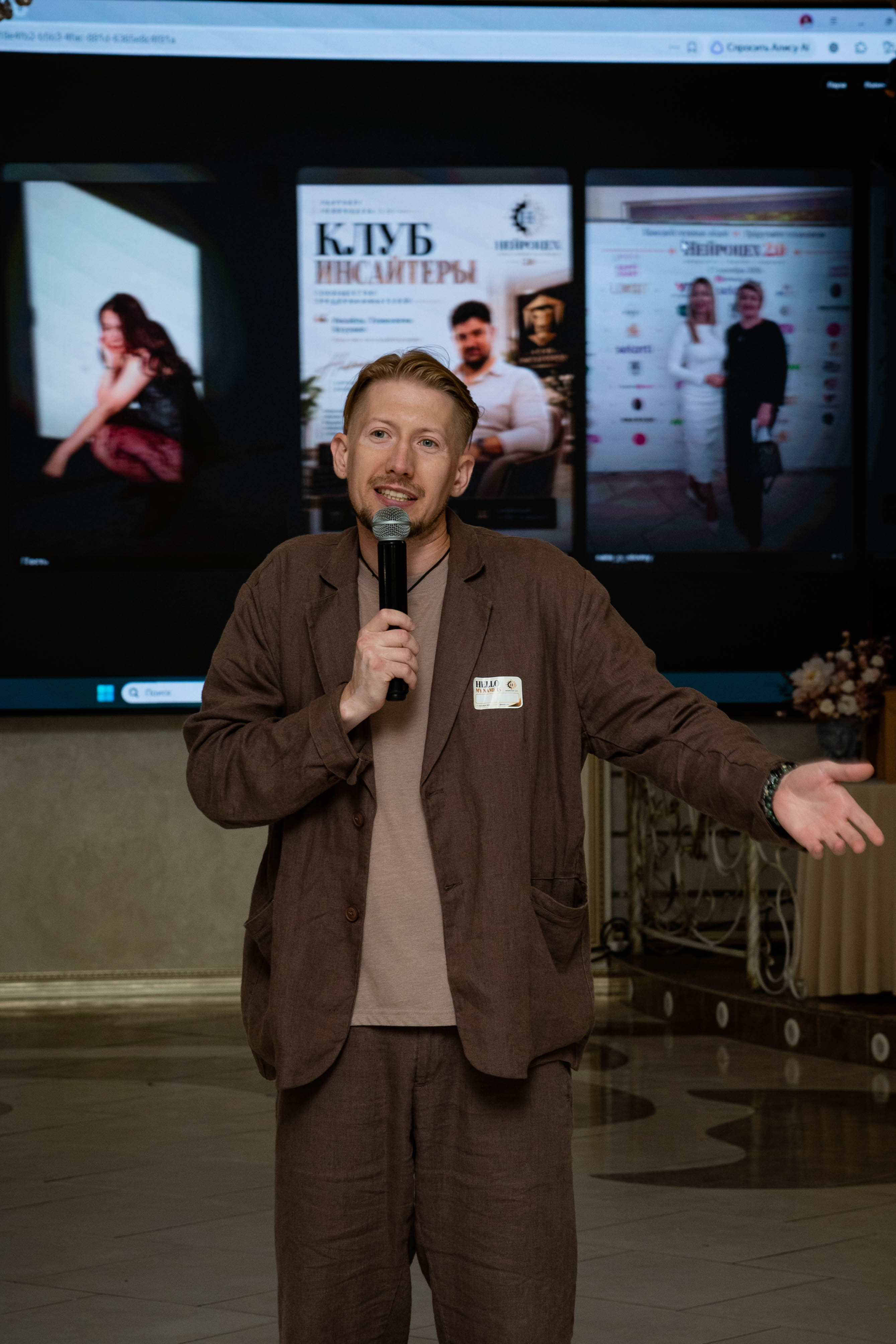
Petals · soft frames · warm tones
Style preview · photos from Neuroceh 2.05events created with HypeWall Free slots: 99 of 100 · up to 30 photos
Why use it for your event?
Approve photos before display and highlight your favorites.
Each event has a shared gallery accessible by link.
Keep uploads free or arrange paid display to collect a gift for newlyweds or a birthday. Boosts increase photo display frequency. The organizer manually verifies transfers and enables paid display.
How it works
01A guest scans the QR
Opens the event page in their phone’s browser.
02Uploads photos
Chooses up to five photos, adds a name and captions each one.
03Appears on screen
You approve the photo. The wall updates automatically.
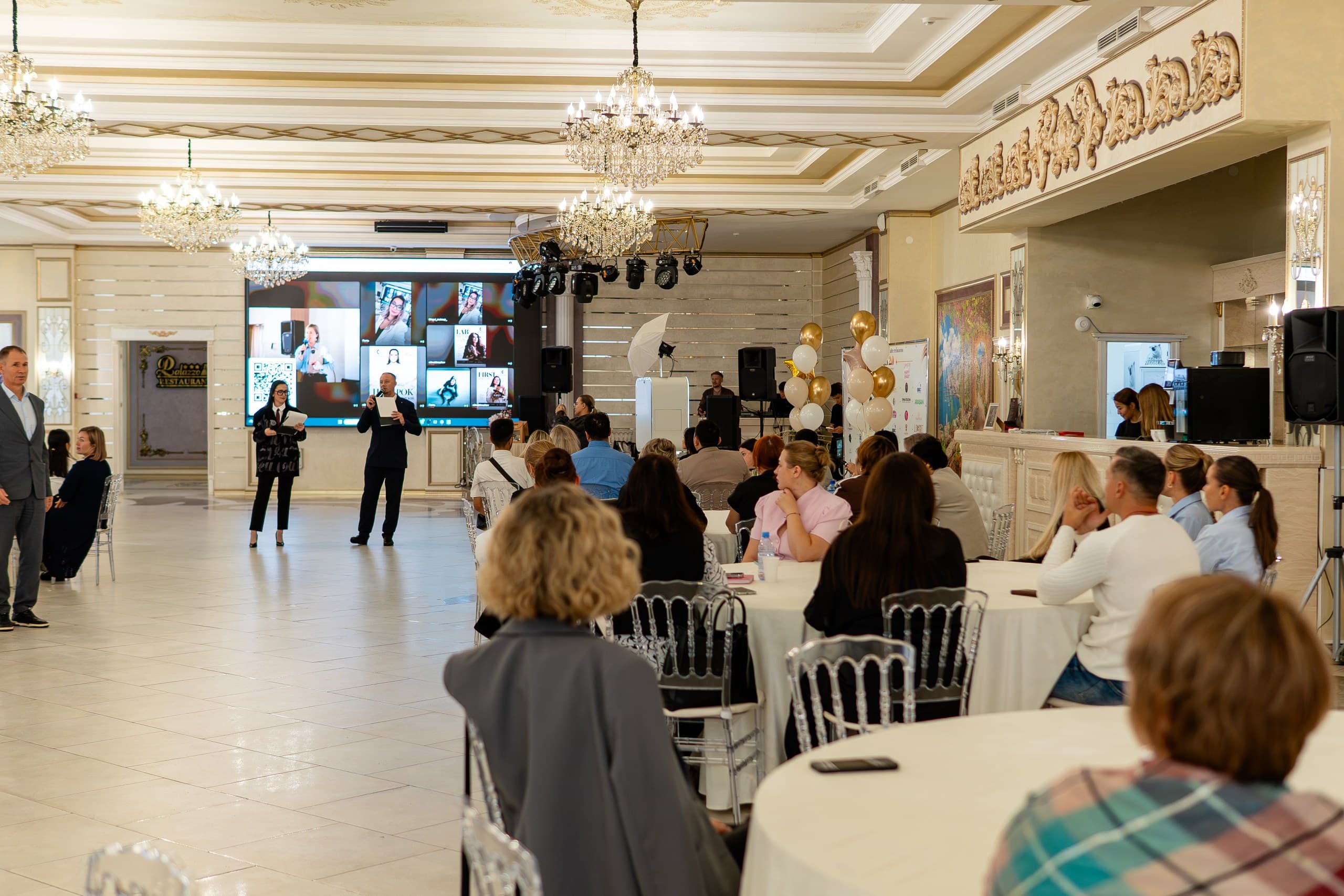
A REAL EVENT HypeWall at the venue.
HypeWall at the venue.
Neuroceh 2.0
Guests’ photos appeared on the big screen throughout the evening. This was HypeWall’s first launch at a real event.
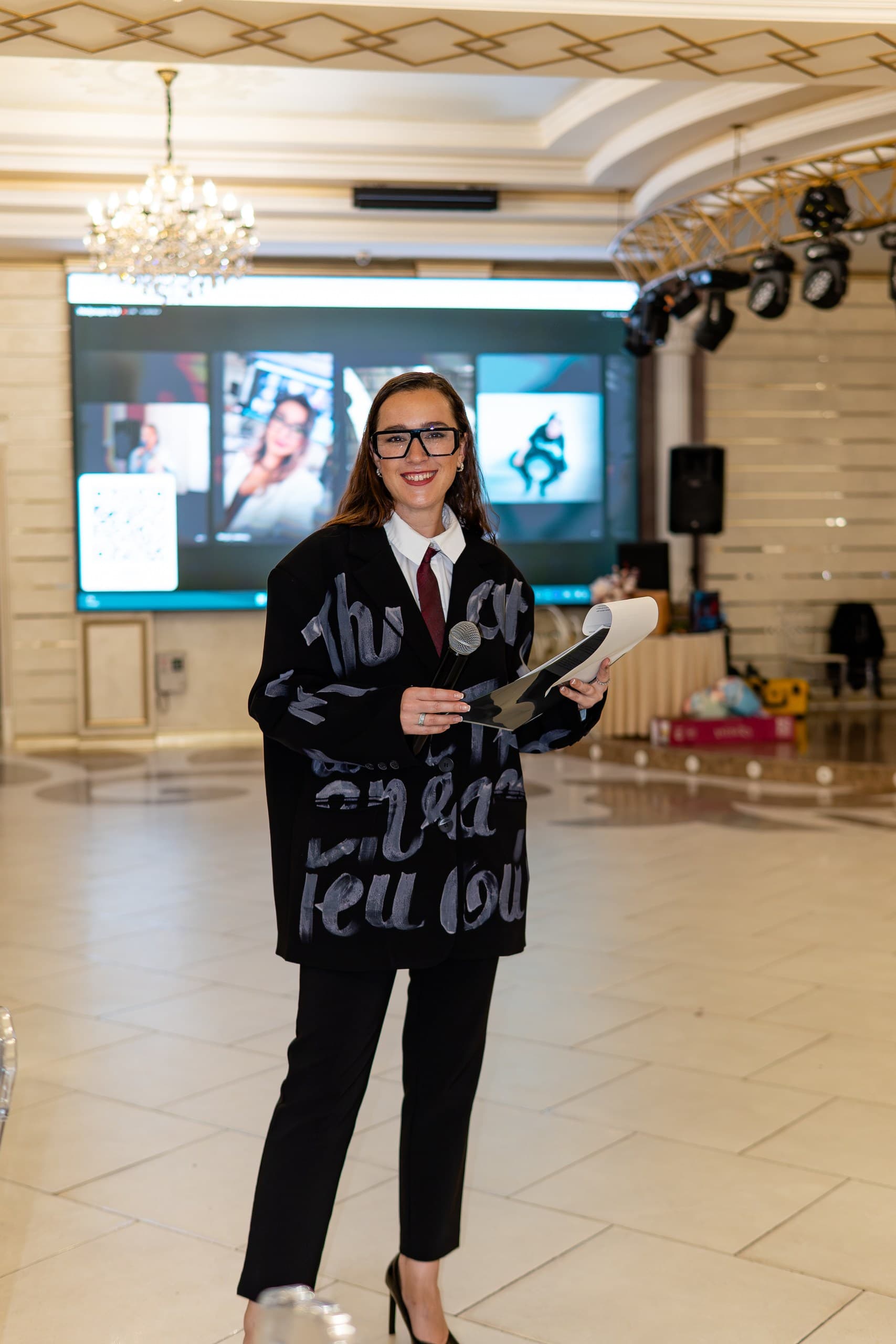
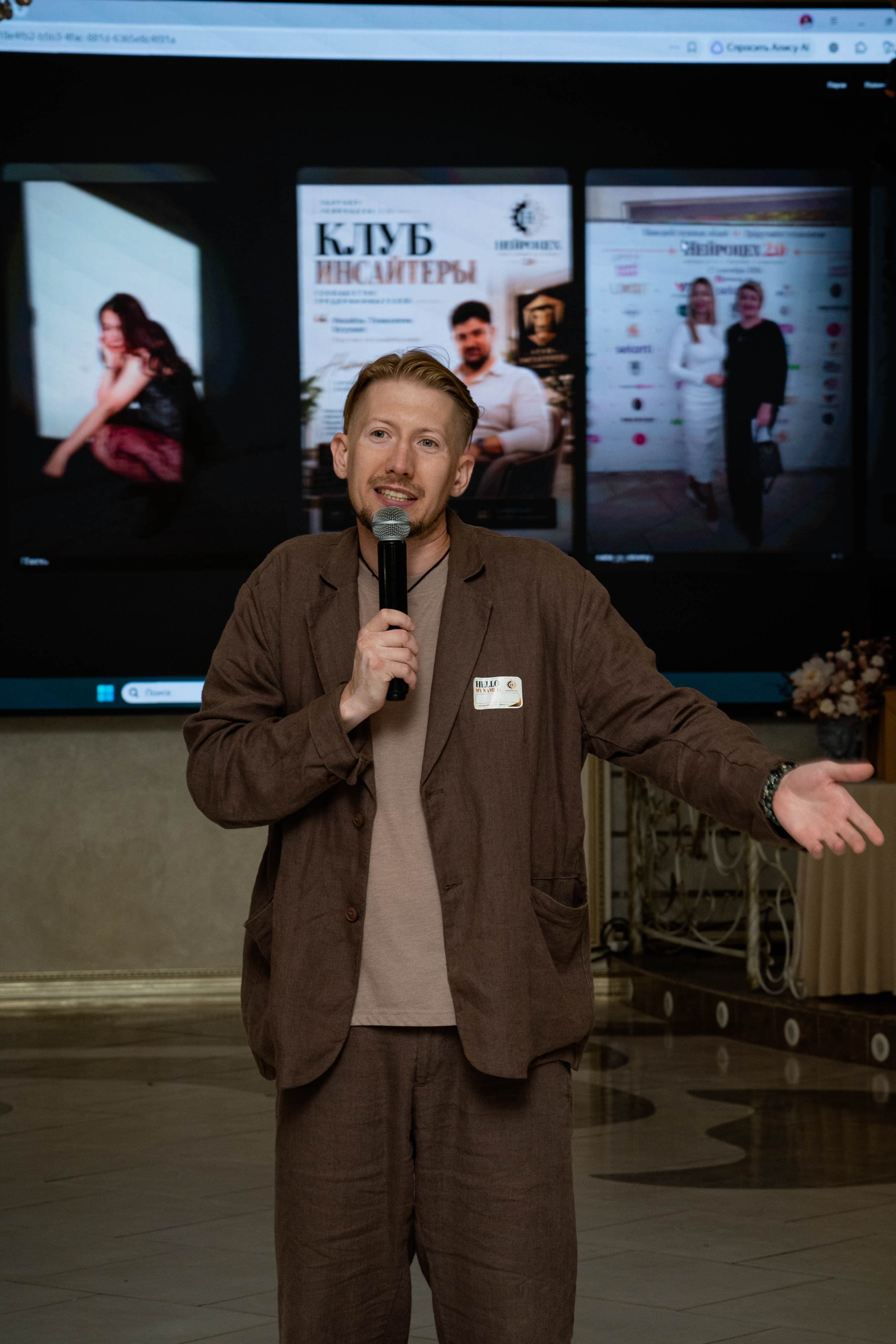
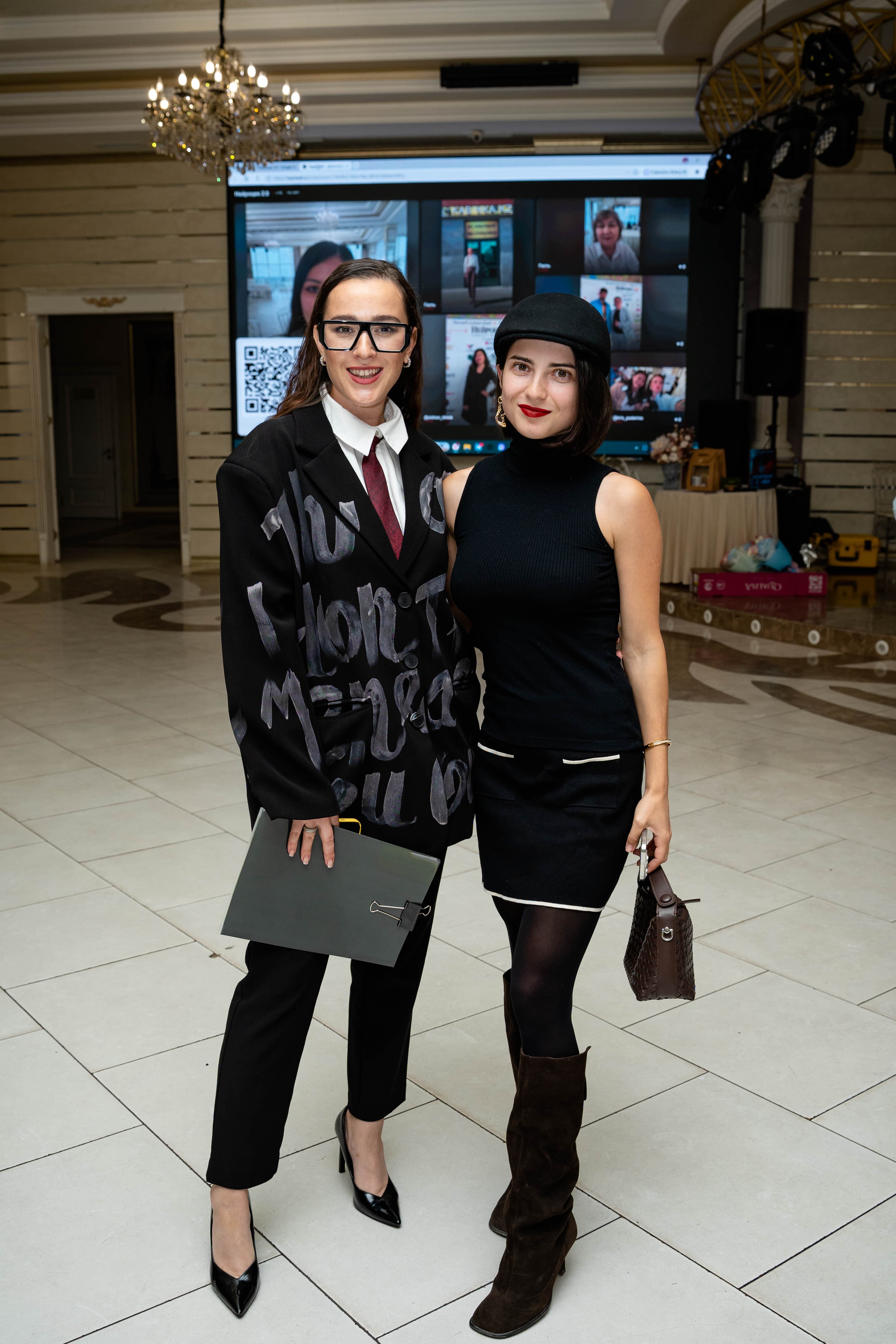
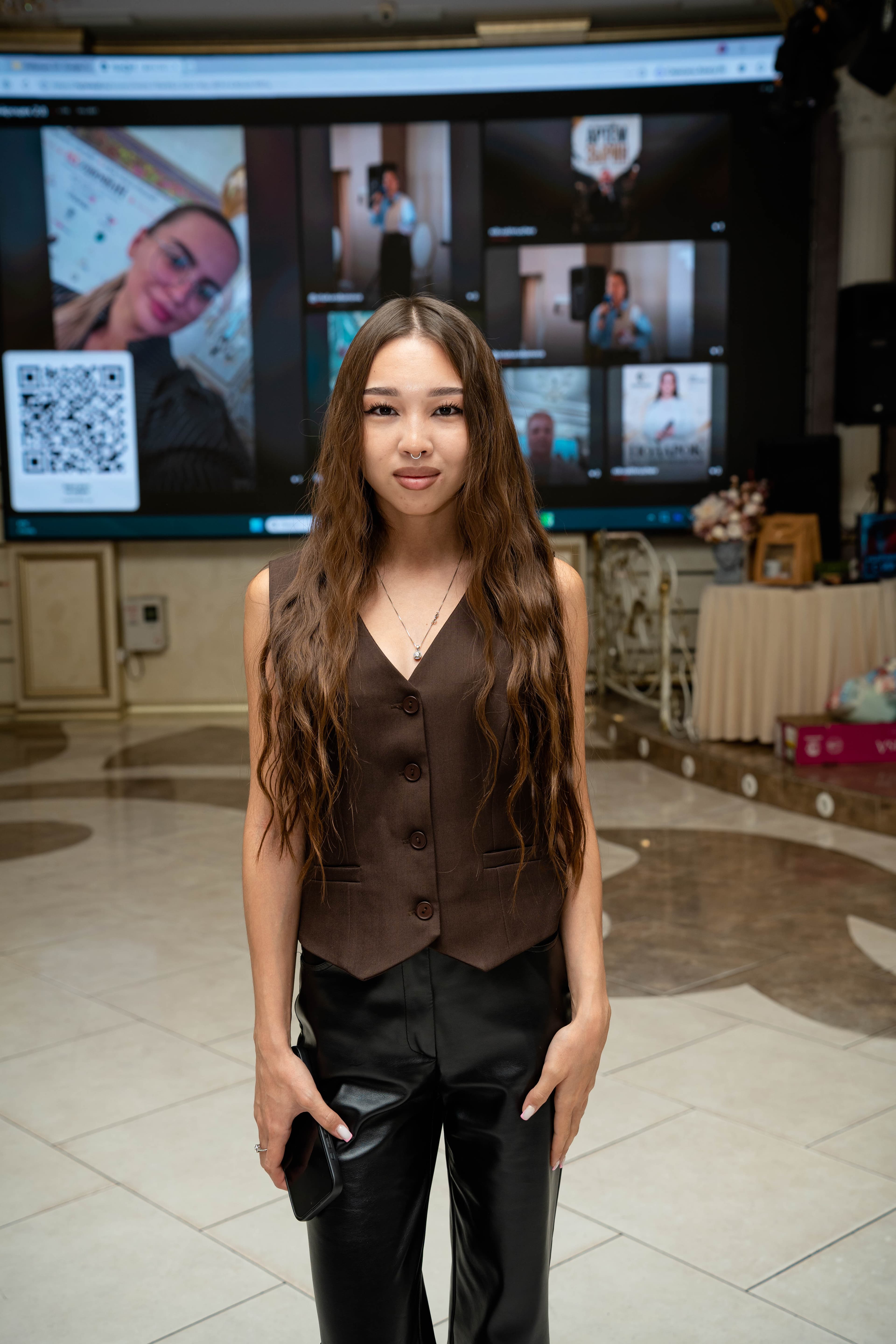
LIVE DEMO
Open the wall in full screen ↗Watch the live photos change
Below is the Neuroceh 2.0 event screen with participant photos. The QR links to Telegram to contact HypeWall.
Start free. Pay for the scale you need.
Guests upload via QR and new photos appear on screen. Paid plans increase the publication limit; PRO adds custom design and interaction.
FREE
0 ₸per event
Try a real photo wall without a card.
- ✓30 photos on screen
- ✓Guest QR and live screen
- ✓Basic photo controls
- ✓HypeWall branding
START
9 900 ₸per event
For smaller celebrations and your first service sale.
- ✓100 photos on screen
- ✓Guest QR and live screen
- ✓Basic photo controls
- ✓HypeWall branding
PLUS
24 900 ₸per event
When there are more guests and you don’t need custom design yet.
- ✓300 photos on screen
- ✓Guest QR and live screen
- ✓Basic photo controls
- ✓HypeWall branding
PRO
39 900 ₸per event
Your photo wall for a wedding, corporate event or brand.
- ✓Unlimited photo publications
- ✓Your logo, colors and screen modes
- ✓Moderated guest chat
- ✓Paid uploads and boosts via Kaspi, verified manually
- ✓Instagram*: connection by arrangement
- ✓Photo archive on request
BUSINESS
79 900 ₸per event
PRO, extra customization and personal setup.
- ✓All PRO features
- ✓Extra customization for your event
- ✓Help launching at your venue
- ✓Setup for your screen
After the limit, guests can keep uploading into a queue; photos appear after an upgrade. Paid launches use Kaspi with manual crediting. Photos are stored for 30 days. *Instagram was tested on a connected profile; client accounts and third-party search require Meta permissions. Agree access before paying. Contests and automatic archive downloads are not included yet.
FOR VENUES AND HOSTS
Regular events
Monthly PRO launch packages for restaurants, venues and hosts. Credits are added after payment; renewals are arranged personally. Unused credits remain in your account.
Any questions?
Do guests need to install an app?+
No. The QR opens the event page in a phone browser. Choose up to five photos, add your name and caption each one.
How do I connect a big screen?+
Connect a projector or TV to the computer and open the screen link. Press Full screen on the wall or F11 in the browser; this requires a user action. For a second display, choose Extend in Windows, move the browser onto the projector, then enter full screen. If the address bar or taskbar remains visible, check the window is on the projector and full screen is active. Escape restores the normal view.
Do photos appear immediately?+
The first 30 photos on a free event publish automatically. Further photos upload and wait in organizer controls until a paid plan is enabled.
How do I get started?+
Click Create free, enter a name and date, and try the design options. Sign in with Telegram to save the event and get your QR. Continue free with 30 photos or choose a paid plan. Contact details for help are at the bottom of the page.
Does the venue need internet?+
Yes. The screen computer needs internet for updates, and guests’ phones need it to send photos. Wi-Fi or mobile data works.
Where are photos after the event?+
Approved photos remain in the gallery for 30 days after the event date. During that period, request the whole album as an archive via hypewallapp@gmail.com or Telegram. We prepare and send archives manually.
Create a wall
for your event.
Name, design, QR — start without paying. The first 30 photos are free.
Need help launching? Contact us →